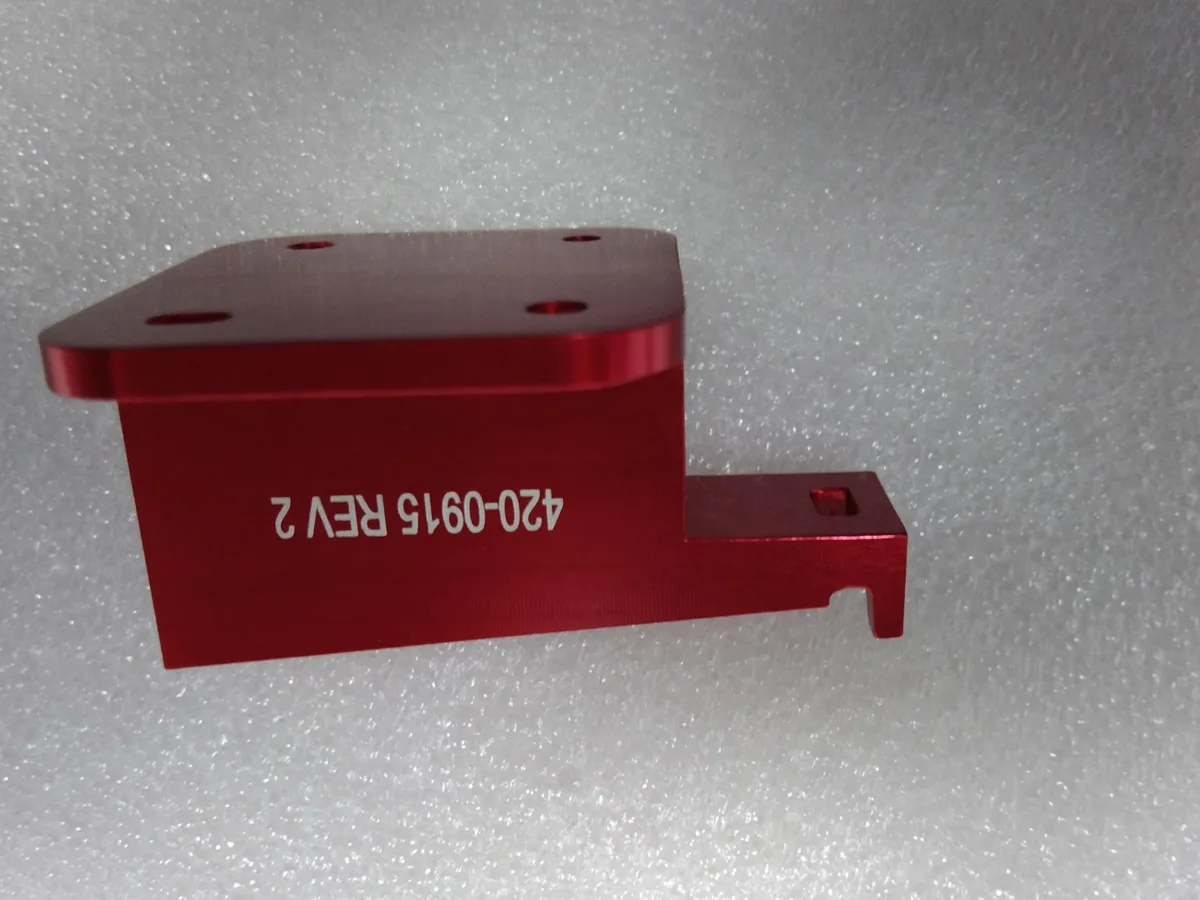
Part numbers, serial numbers, logos, QR codes, scales and warning symbols are often required directly on machined and molded parts. Laser marking is the most common way to add them: it is permanent, needs no ink or tooling, and can be changed from part to part simply by editing the file.
At SAMSHION we laser mark and engrave parts in-house with fiber lasers, on aluminum, anodized aluminum, stainless steel, steel, brass, copper and many plastics. Marking can be done after machining or after anodizing, depending on what the drawing requires. This guide explains the different laser processes, what each material looks like after marking, and how to specify marking on your drawing.
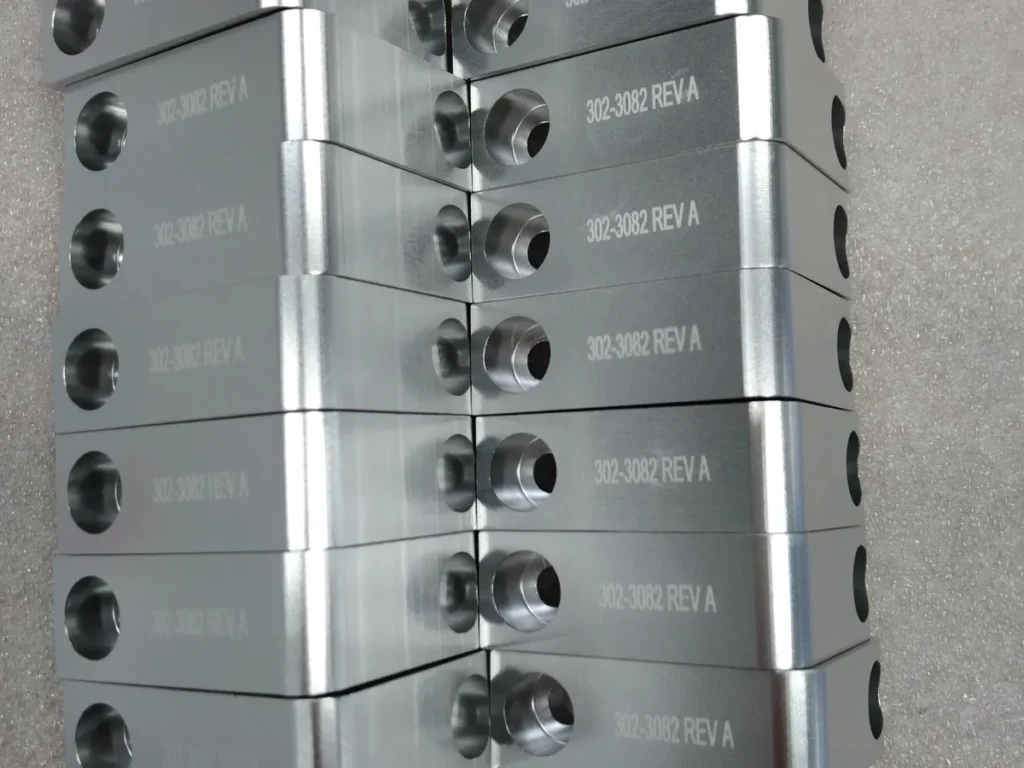
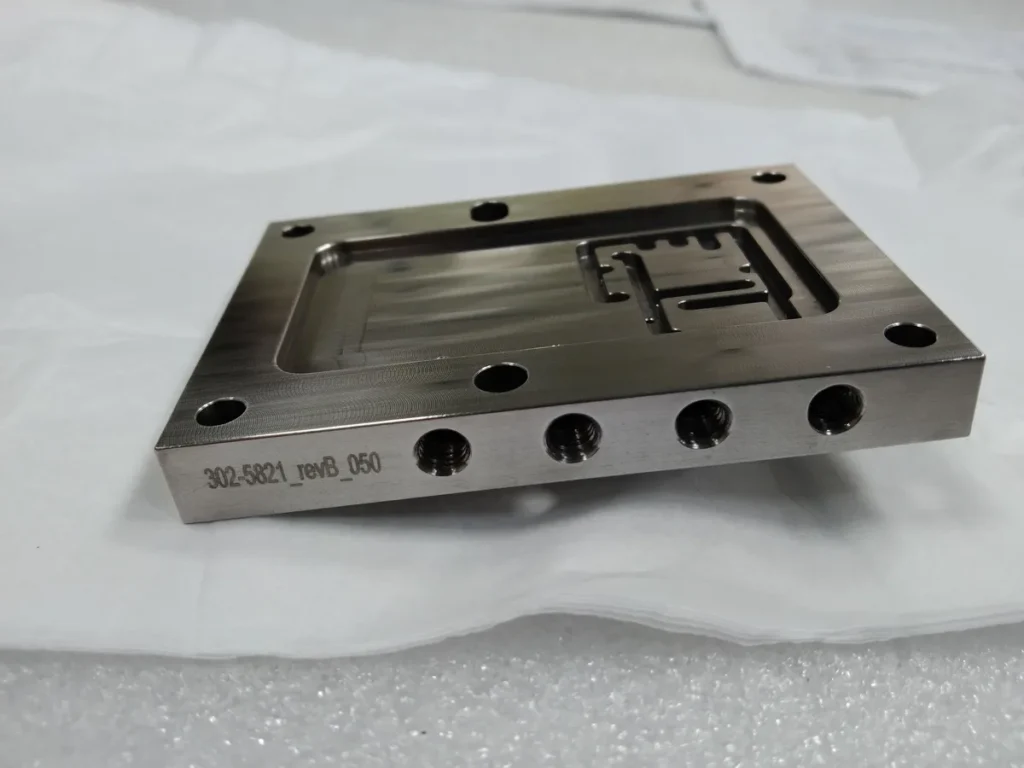
Every part in this batch carries its own laser-marked part number and revision, added in-house after machining.
Laser Marking, Engraving and Etching: What Is the Difference?
- Laser marking (surface marking): the laser changes the color or texture of the surface without removing measurable material. On stainless steel it creates dark annealed marks; on anodized aluminum it removes the dye to show bright aluminum. Depth is essentially zero, so it does not affect dimensions.
- Laser etching: a light melting of the surface that leaves a slightly raised or textured mark, usually a few microns deep. Fast and high contrast on bare metals.
- Laser engraving (deep engraving): the laser vaporizes material in many passes to create a visible depth, typically from about 0.05 mm up to several tenths of a millimeter. Engraved marks survive wear, blasting and painting, and can be filled with color.
We offer both surface marking and deep engraving. The choice depends on how durable the mark must be, whether a later process will cover it, and how much cycle time the part can afford.
How Different Materials Look After Laser Marking
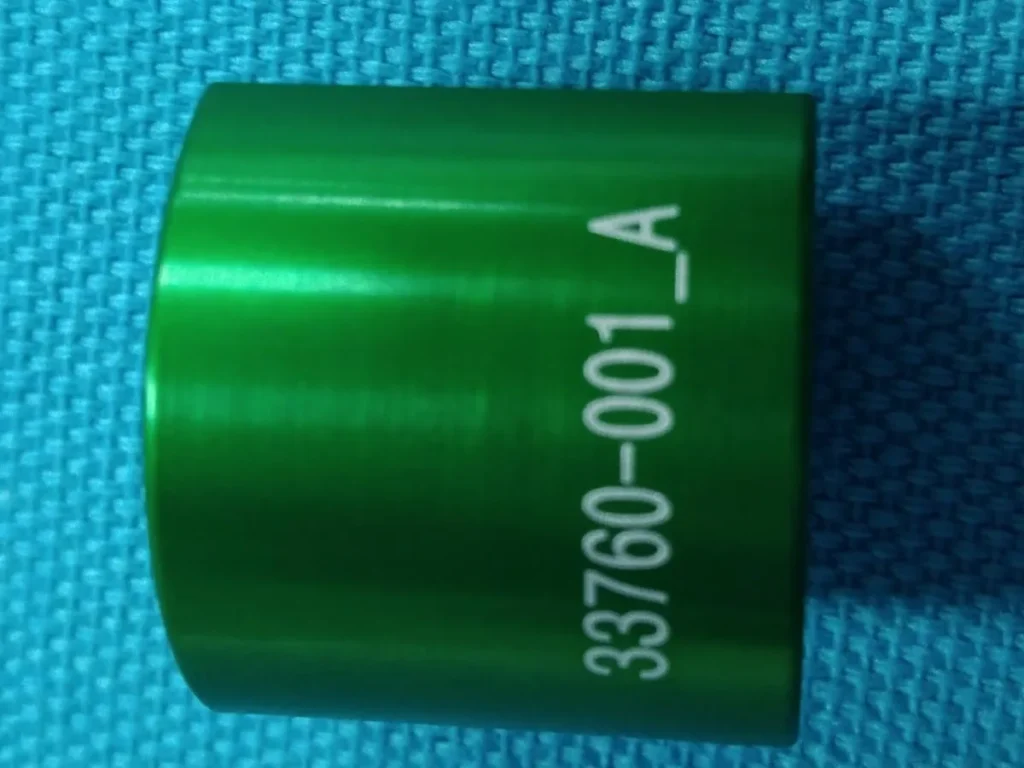
- Anodized aluminum: the laser removes the colored anodic layer, leaving a crisp white or silver mark on black, blue or other colors. This is one of the highest-contrast and most popular combinations.
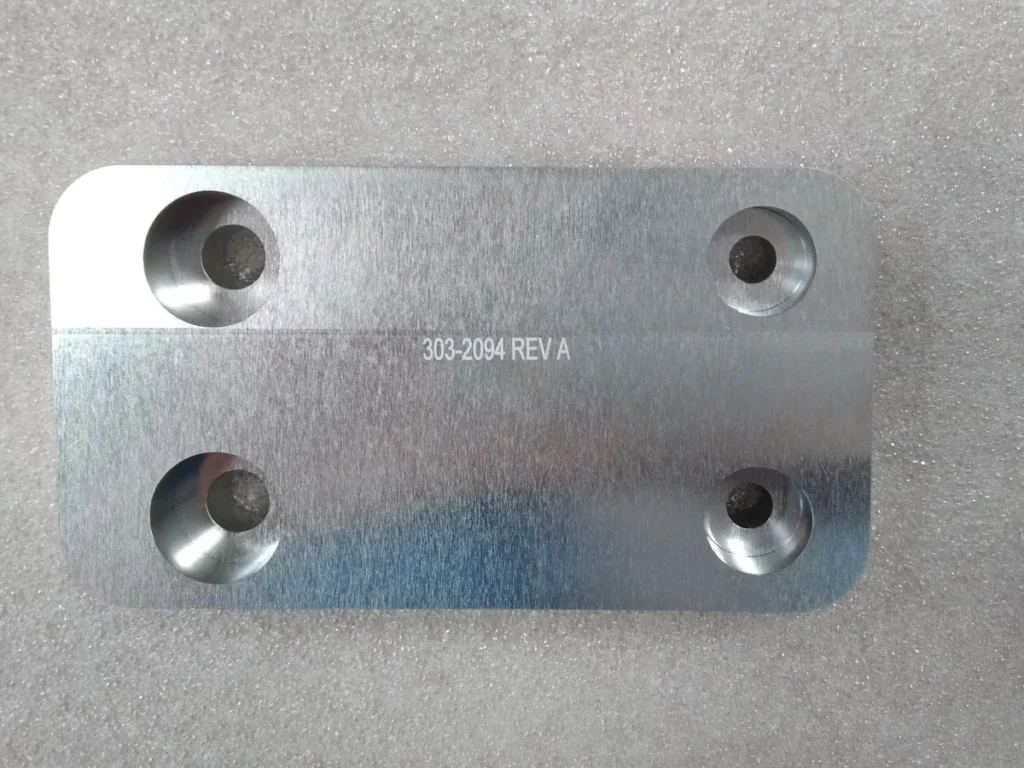
- Bare aluminum: marks are gray to dark gray with moderate contrast; deep engraving gives a cleaner, more readable result.
- Stainless steel: annealing marks give a smooth dark mark with no material removal, suitable for medical and food equipment. Engraving gives a lighter, deeper mark.
- Steel and tool steel: dark marks or engraving for part numbers, often used on fixtures and molds.
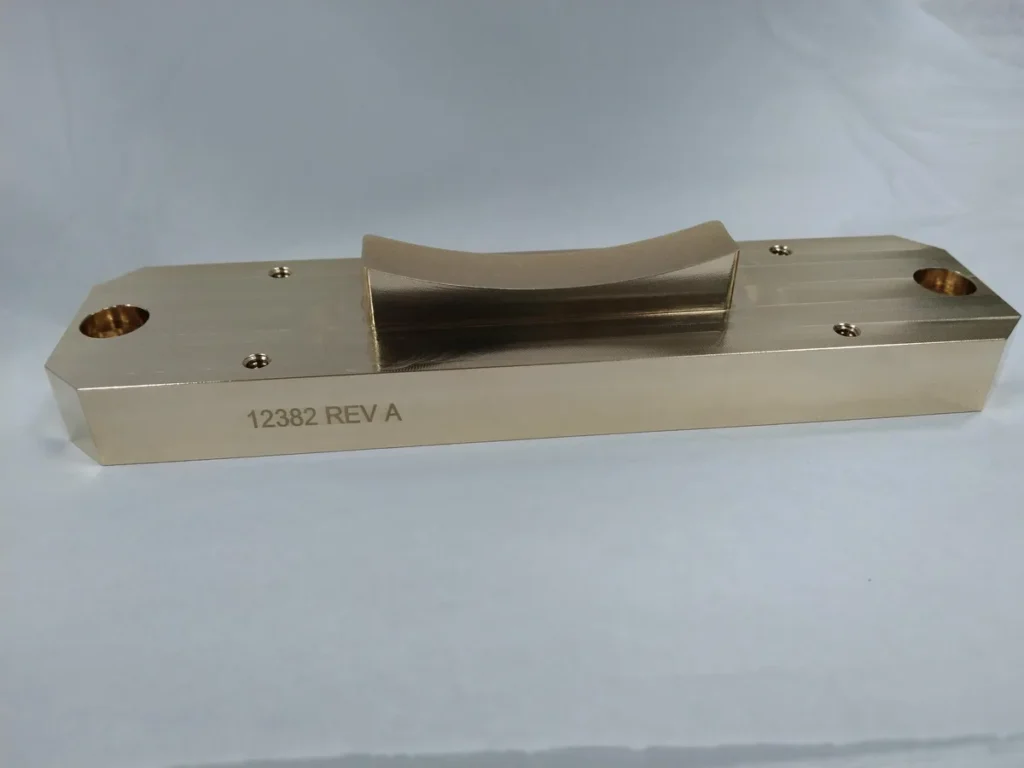
- Brass and copper: engraving works well; surface marks have lower contrast because these metals reflect laser energy.
- Plastics: many grades such as ABS, PC, POM and PA mark well, producing light or dark marks depending on color and additives. Some plastics need laser-markable additives for good contrast.
Marking Before or After Anodizing and Other Finishes
The order of operations changes the appearance and durability of the mark, so it should be decided on the drawing:
- Marking after anodizing: the most common choice for a white or silver mark on colored aluminum. The mark exposes bare aluminum, which is acceptable for most indoor parts.
- Engraving before anodizing: the engraved area is anodized with the rest of the part, so it is fully protected and the same color, with the mark visible through its depth and texture.
- Marking after plating or painting: removes the coating locally to show the base material underneath.
- Marking before bead blasting: light surface marks can be erased by blasting, so deep engraving is used if the part is blasted afterwards.
At SAMSHION we can mark either after machining or after anodizing, following the drawing requirements.
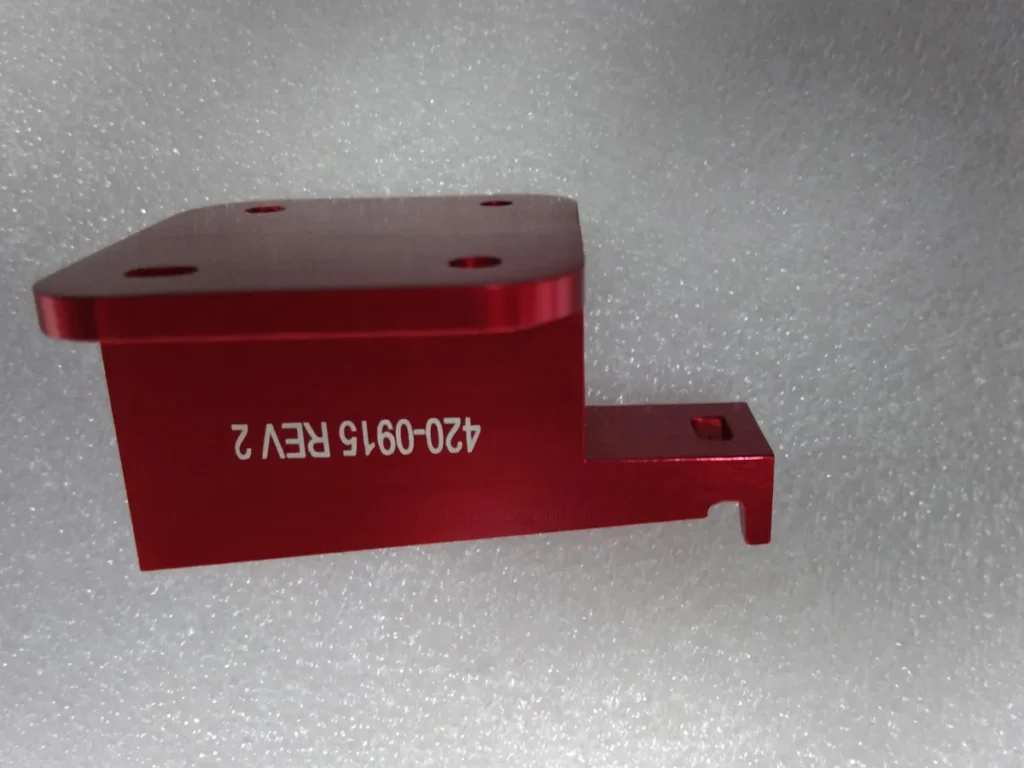
The red anodized part above was marked after anodizing: the laser removed the red layer to leave crisp white characters.
What Can Be Marked
- Part numbers, revision letters and date codes
- Serial numbers that change automatically from part to part
- QR codes and Data Matrix codes for traceability
- Company logos and product names (supplied as vector files)
- Scales, dials, graduations and alignment marks
- Warning symbols, certification marks and connector labels
How to Specify Laser Marking on a Drawing
- Content: provide logos and artwork as vector files; state the exact text, font and character height.
- Location: dimension the position of the mark from a datum or feature.
- Type and depth: state surface marking or engraving, and the depth if engraving.
- Color or contrast: for anodized parts, say whether a white mark after anodizing is acceptable.
- Sequence: note whether marking is done before or after finishing.
- Serialization: give the numbering format and starting number for serial numbers or codes.
- Readability: for QR and Data Matrix codes, give the minimum module size or the reader that must be able to scan them.
A Worked Example: Black Anodized Aluminum Panel
Consider a black anodized aluminum front panel that needs a logo, connector labels and a serial number. A practical plan:
- The panel is CNC machined, deburred and anodized black.
- After anodizing, the logo and labels are laser marked, removing the black layer to give crisp silver-white characters.
- The serial number is generated automatically for each panel from a numbering list.
- The panel is fixtured in the same position for every part, so the marks line up with the machined openings.
- The first panel is checked for position, size and legibility before the batch is marked.
What Drives the Cost of Laser Marking
- Marked area and depth: deep engraving takes many passes and much longer than a surface mark.
- Number of marking positions: marks on several faces need repositioning or a rotary fixture.
- Fixtures: repeat positioning on irregular parts may need a simple locating fixture.
- Serialization and codes: variable data needs file preparation and checking.
- Quantity: setup is spread across the batch, so per-part cost drops quickly with quantity.
Laser Marking vs Other Marking Methods
- Pad printing and screen printing: good for multi-color graphics on flat or curved plastic surfaces, but ink can wear off and needs plates or screens.
- Mechanical engraving: uses a cutter; deep and durable but slower and limited in detail.
- Stamping and dot peen marking: robust for rough industrial parts, but lower resolution and can distort thin parts.
- Molded-in text: no extra operation for molded parts, but cannot change from part to part.
- Laser marking: no consumables, very fine detail, variable data and permanent results, which is why it is the default for machined parts.
Frequently Asked Questions
Is laser marking permanent?
Yes. Laser marks are part of the material surface and do not wear off like ink. Deep engraving is the most durable option for parts exposed to abrasion or later blasting.
Does laser marking affect part dimensions?
Surface marking has essentially no depth and does not affect dimensions. Deep engraving removes material, so it should be kept away from sealing faces and critical features.
Can you mark curved or cylindrical parts?
Yes, within the focus range of the laser. Cylindrical parts can be marked around their diameter using a rotary fixture, and slightly curved faces can be marked directly.
What file format should I send for logos?
Vector files such as DXF, AI, EPS or vector PDF give the sharpest result. Raster images can be used but may need redrawing.
Can plastic parts be laser marked?
Many plastics mark well, including ABS, PC, POM and PA. Results depend on color and additives, so we recommend a sample mark on the actual material before production.
Get a Quote for Laser Marked Parts
Send your drawing with the marking content as a vector file (DXF, AI or PDF), the location, size and depth, and the required finish. We can machine, finish and laser mark the parts in one order. See our CNC machining services and surface finishing options, or contact us.